
Administration
IMPORTANT
The administration page is available only to users with the admin role. Regular users cannot access it.
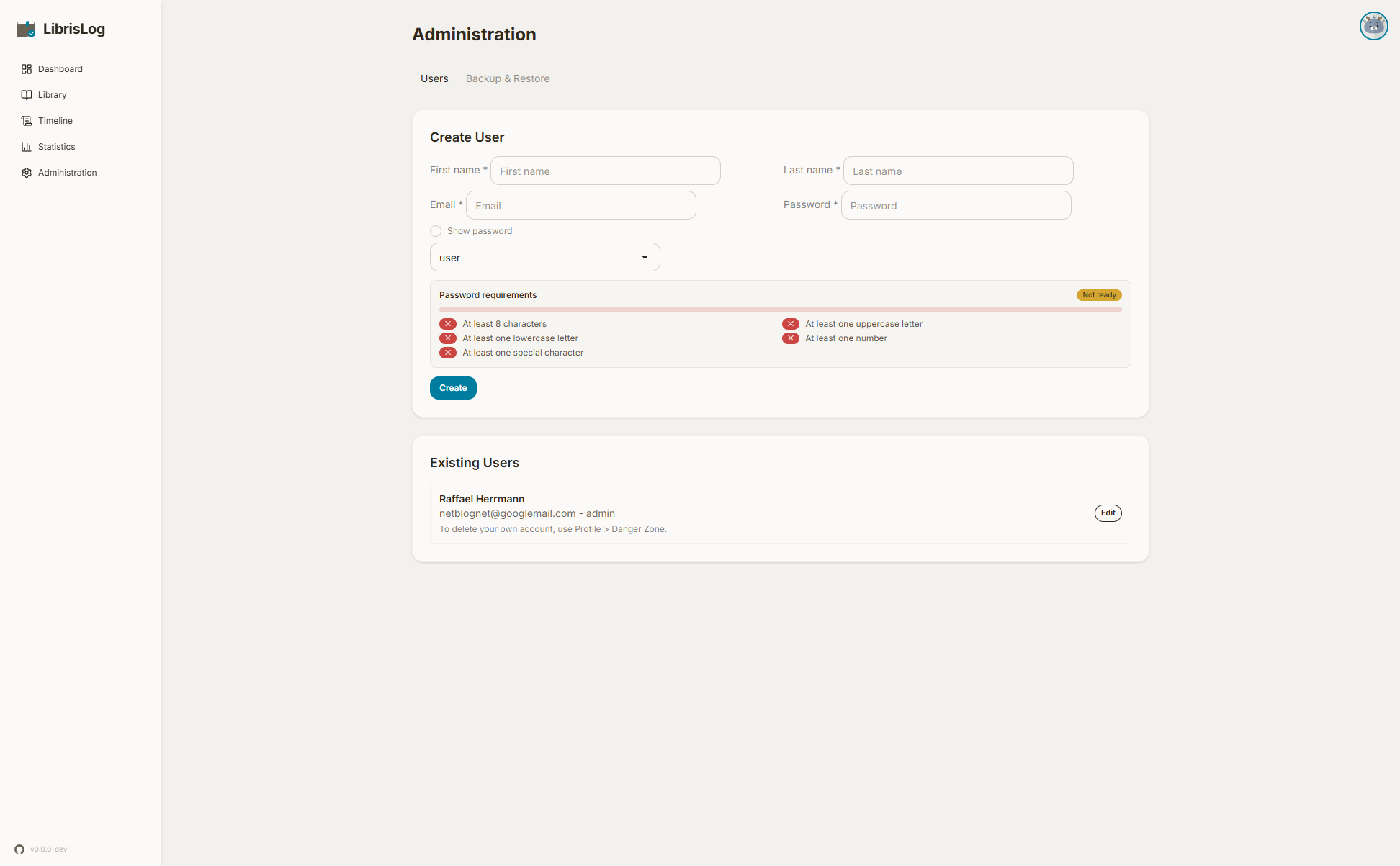
Users
Creating a User
Admins can create new user accounts with either the user or admin role. The password must meet the complexity requirements displayed in the form.
Editing a User
Click "Edit" next to a user to change their name, email, password, or role. You cannot change your own admin role to prevent accidental lockout.
Deleting a User
Click "Delete" to remove a user account. You cannot delete your own account from this page — use the Profile → Danger Zone instead.
Backup & Restore
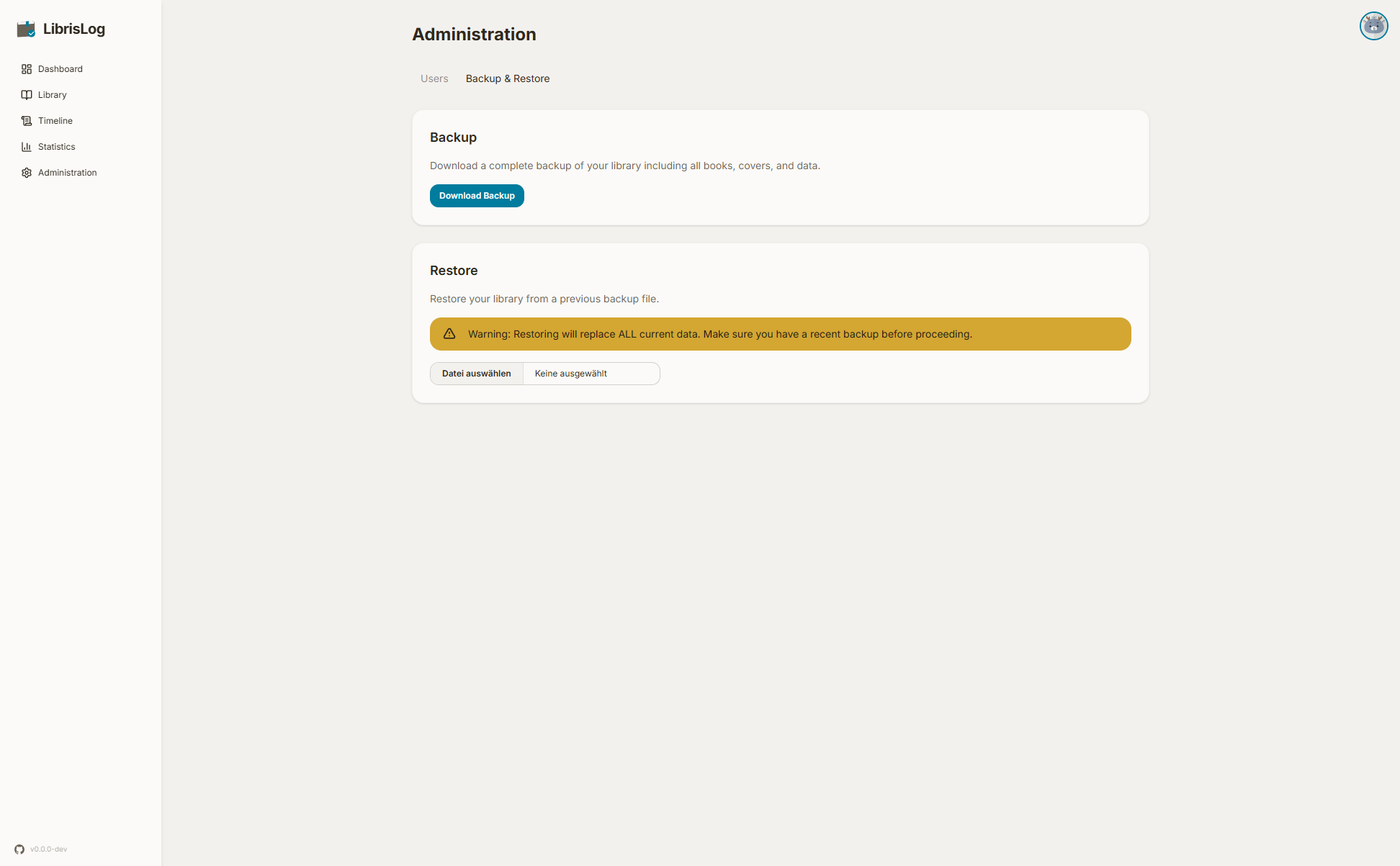
Creating a Backup
Downloads a ZIP archive containing the SQLite database, cover images, and import temp files. This is a complete snapshot of your library, users, and settings.
Restoring a Backup
Upload a previously downloaded .zip backup file to restore the database. The app validates the backup before applying it. Backups from older versions are automatically migrated to the current schema on restore.
WARNING
Restoring overwrites all current data. Create a fresh backup first if you want to preserve your current library.
Automating Backups
The backup endpoint is accessible via the REST API, making it easy to automate with cron (or any scheduler).
First, create an API key with the admin user. Then use it in a cron script:
#!/usr/bin/env bash
# Save as /etc/cron.daily/librislog-backup or add to crontab

API_KEY="lsk_your-key-here"
URL="http://localhost:8000/api/admin/backup"
DEST="/var/backups/librislog"

mkdir -p "$DEST"
curl -s -H "X-API-Key: $API_KEY" -o "$DEST/librislog-$(date +%F).zip" "$URL"

# Keep only the last 30 backups
find "$DEST" -name 'librislog-*.zip' -mtime +30 -delete
Crontab entry (daily at 3am):
0 3 * * * /path/to/backup-script.shThe API returns a ZIP archive containing the SQLite database, cover images, and import temp files. No separate database dump step is needed.
Background Maintenance
A periodic maintenance task runs automatically every hour. It performs:
- Cover cache cleanup — Removes orphaned cover images from disk that are no longer referenced by any book. Files modified within the last 60 minutes are preserved to avoid deleting covers that were just uploaded but not yet linked to a book entry.